Press kit
Everything needed to write about Walkthru accurately, including the parts that are easy to get wrong. Reusable without asking.
In one sentence
Walkthru is an iPhone and iPad app that turns a screen recording into a step-by-step guide — it finds the steps in the recording, you annotate and redact them, and it exports a PDF, Markdown, images or video, entirely on the device. A guide can also be built from screenshots, one step per picture, for a flow nobody can go back and record.
Boilerplate
Walkthru turns an iPhone screen recording into a step-by-step guide. It reads the recording frame by frame and cuts it wherever the screen changed, giving each step a full-resolution screenshot and a label for the kind of action it was. Where no recording exists — a flow a colleague only sent as stills, a design that only exists as mockups — a guide can be built from screenshots instead, one step per picture. The author writes the captions, places gesture markers, and accepts or dismisses the redactions Walkthru offers for sensitive content it finds. Guides export as a PDF, a Markdown bundle, a sequence of annotated images or an MP4 video.
Everything runs on the device. Walkthru has no accounts and no servers, so a recording or a screenshot — which contains whatever the author had on screen — never leaves the phone. It is the only tool in its category that captures and processes a mobile flow without a Mac or a cloud upload.
Facts
- Name
- Walkthru
- Developer
- Innov8 Ventures Company LTD
- Platform
- iPhone and iPad, iOS 26 or later
- Category
- Productivity
- Price
- Free to download. Pro is $9.99 once, or $2.99 for a seven-day pass that does not auto-renew. The free tier includes every export format with no cap on steps or guides; it watermarks exports and allows three shares a day.
- Input
- A screen recording (MP4 or MOV), captured in the app or imported — or up to 60 screenshots, one step each. One or the other per guide, chosen at import.
- Output
- PDF, Markdown, Images, Video
- Data collected
- None. The App Store privacy label reads “Data Not Collected”
- Third-party SDKs
- None
- App Store
- Not yet listed
- Contact
- walkthru@innov8.com.mm
What makes it different
Desktop documentation tools — Scribe, Tango, iorad, Guidde — work by watching your clicks through a browser extension or desktop agent. iOS exposes no equivalent: no API lets one app observe touches in another. Their documented routes for mobile are therefore to mirror the phone to a Mac, or to upload the recording to a website for processing.
Walkthru starts from the recording instead of from the taps, and does the processing on the phone. That is the distinction worth drawing: not that it is another guide maker, but that it is the one that needs no second machine and no upload.
What Walkthru is not
Listed because these are the features a reader is most likely to assume from the category, and all of them are absent.
- It does not write your step captions. It finds where the steps are, which is measurable; it does not guess what they mean. Steps arrive untitled.
- It does not capture your taps inside other apps. Nothing on iOS can.
- It does not detect steps in a set of screenshots. Screenshots can be imported, but each one becomes exactly one step in the order it was picked — the author did the splitting, and the app does not second-guess it.
- There are no hosted share links, no team libraries and no shared workspaces. Guides are files you export.
- It does not blur or pixelate. Redaction is an opaque fill, because blur and pixelation are recoverable when the font is known.
- There is no cloud AI. No frame is sent anywhere for analysis.
Assets
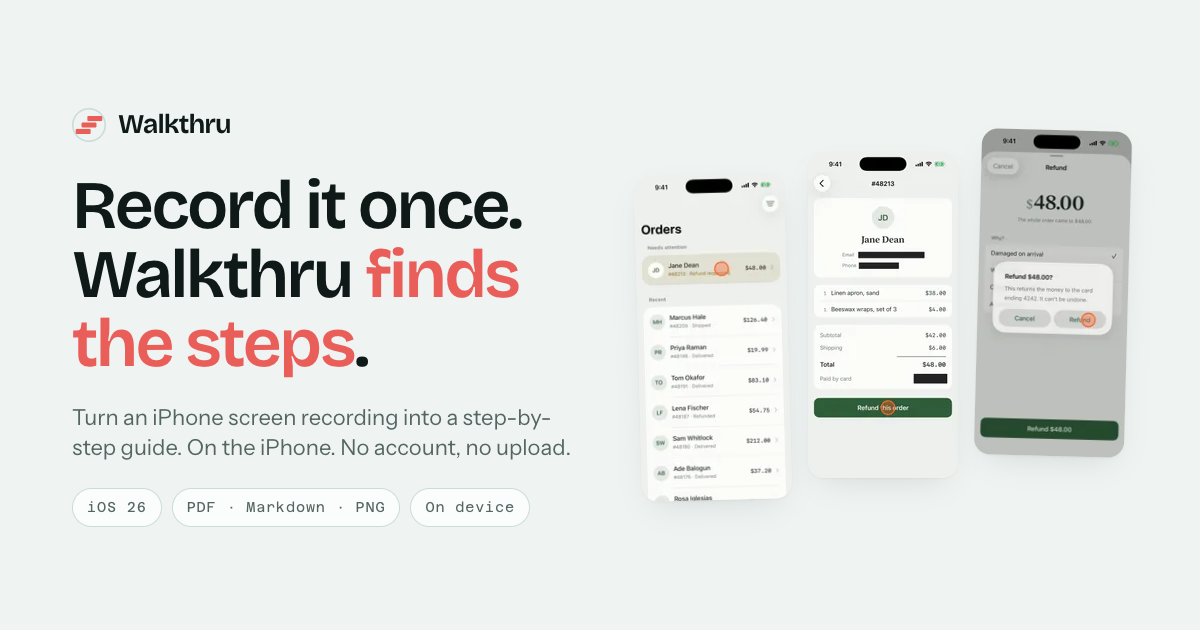
The name is written Walkthru — one word, no capital T, no hyphen. The accent colour is coral #EA5E5A; annotation markers are drawn in #FF4A1F.
Interviews and review copies
Email walkthru@innov8.com.mm. Walkthru is built by one person, so the developer is the interview.